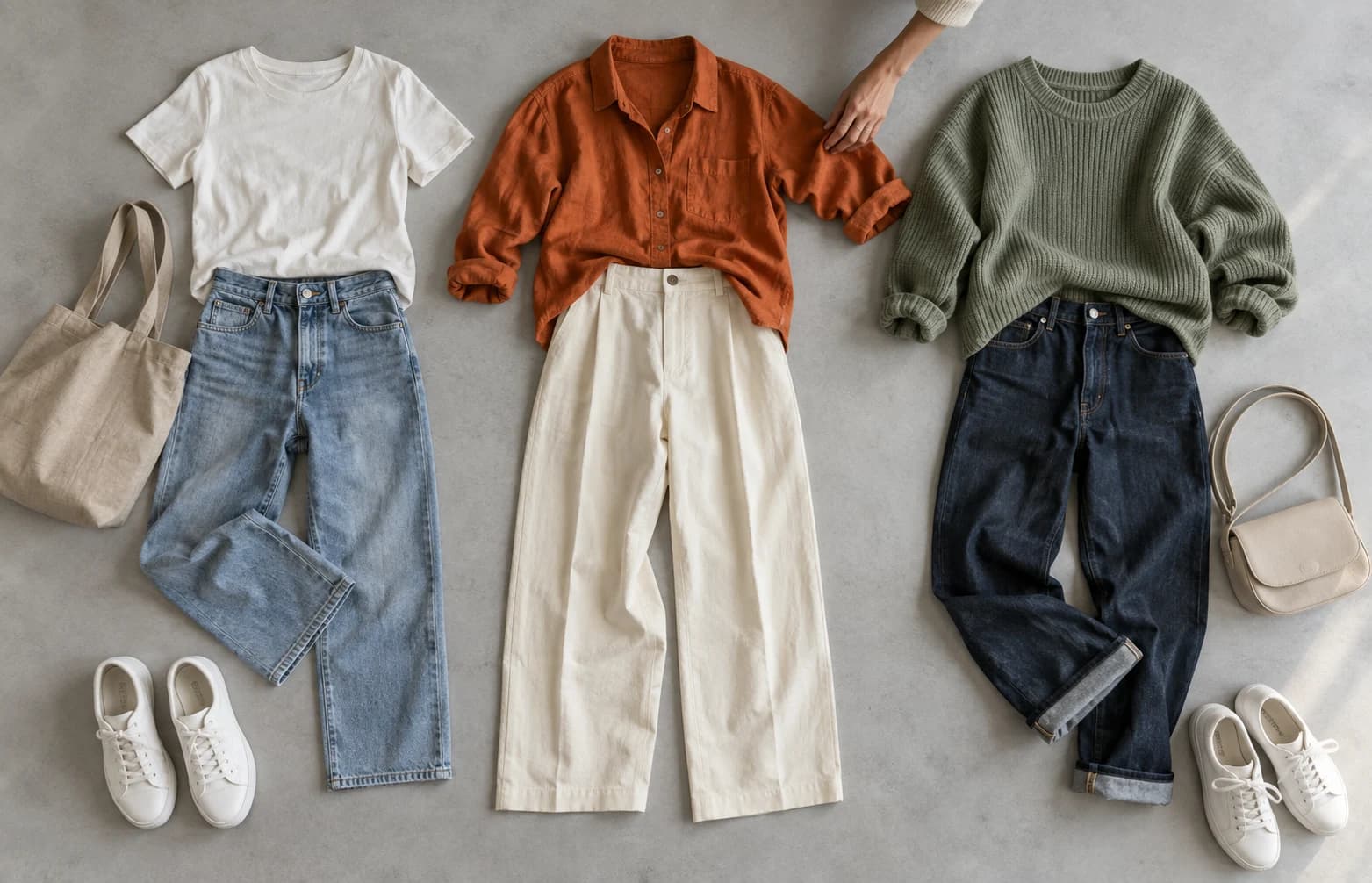
How to film your first fashion try-on with your phone
A simple shot list and caption template for a useful first post, using clothes you already own.
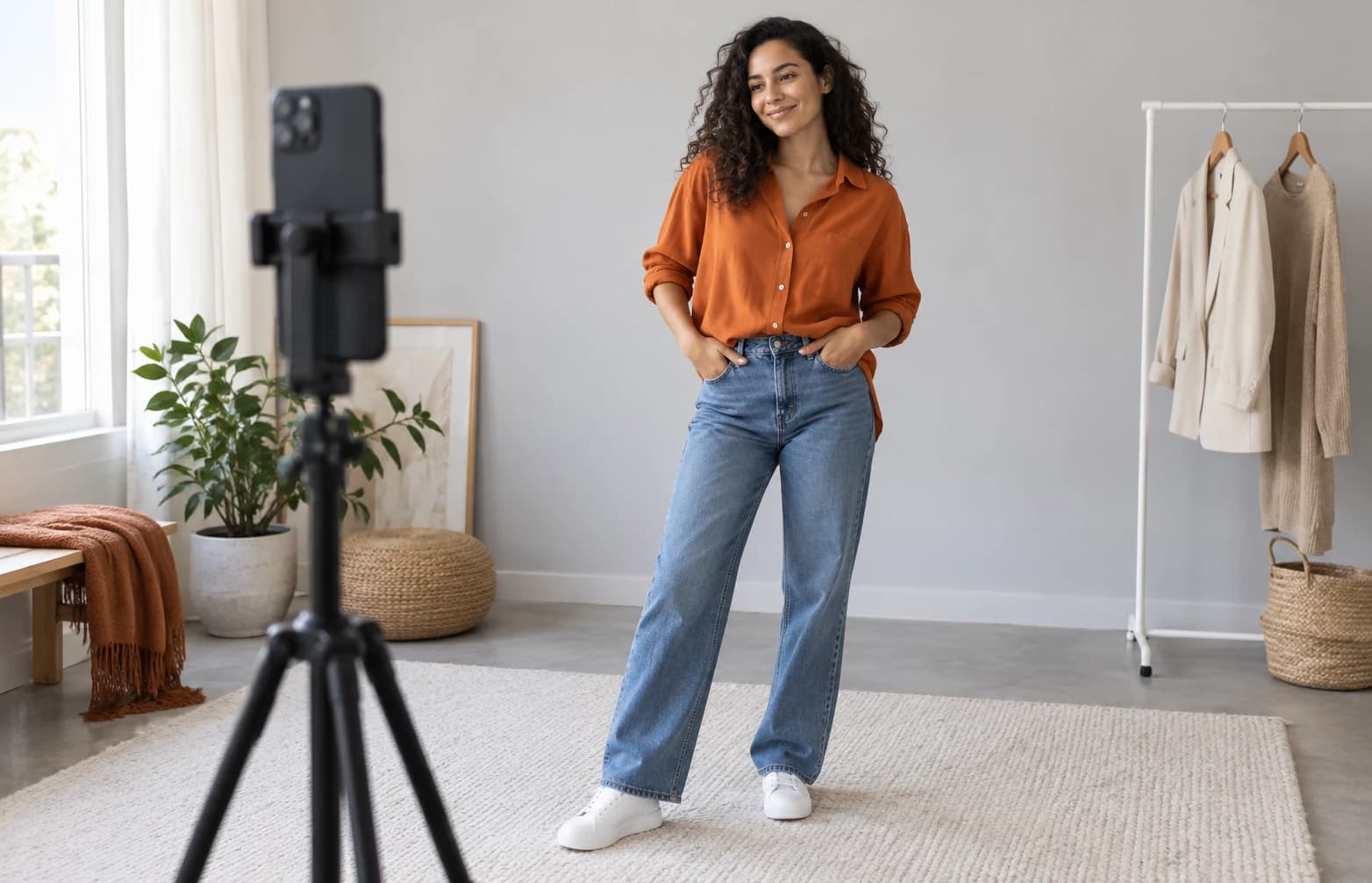
Start with one garment, steady framing and clear fit notes. Show what another shopper needs to know before spending time on a polished edit.
Choose one piece and prepare the frame
Pick something you have actually worn. Familiar clothes give you details to talk about: whether the sleeves bother you, how the waistband feels or which layer fits underneath. You do not need a shopping haul to make your first useful post.
Clean your phone lens, face a window or another even light source, and use a stable support. Check that your whole garment is visible. Keep private documents, addresses and other people out of the frame. Record a short test and check both the picture and sound.
Use a small, repeatable shot list
A simple sequence makes filming easier and gives the viewer a consistent comparison. Start in a natural stance and leave enough space around the garment. Avoid a camera angle that makes your legs or torso look unusually stretched.
The following is a suggested starting point, not a performance formula. You can film without showing your face and use a video editor on your phone to add a voiceover or text before uploading to Vicari.
- Front view: show the overall shape.
- Side or back view: show the length and how the fabric falls.
- Movement: sit, walk or lift your arms as relevant.
- Close-up: show one detail worth mentioning, such as a seam, pocket or fabric texture.
Write the caption a shopper would want
Name the item, the size you wore and your experience of the fit. Distinguish what you observed from what you have not checked. If you have not washed the piece, do not promise that it will keep its shape after washing.
Mention whether you bought it yourself, received it as a gift from a brand or have another commercial connection. Where a disclosure is needed, make it easy to notice; a clear explanation is more useful than an ambiguous hashtag.
Publish one useful post, then learn
Trim long pauses, keep any on-screen text readable and check that the audio adds useful information. Save the original file so you can make a shorter version later. Ask yourself whether the post answers one real shopping question.
In the Vicari app, tap + and choose Share. Add a caption and at least one media item; you can include up to six media items, with at most one video. Product links are optional, with up to five per post. Add the size worn and product details when relevant, then review before publishing.
Creating and editing posts happens only in the app. You can edit the caption and product links afterwards, including the size details; media cannot currently be edited or replaced. Use the help guide for the exact steps.
Your quick checklist
- One garment you know well.
- Steady phone and readable framing.
- Front, side and relevant movement.
- Product, size and an honest fit note.
- Review media before publishing.
Sources & further reading
Sources checked on 16 September 2026. Rules and program terms can change.
Your experience can help.
Share honest try-ons with people who can use them. Explore Vicari’s creator program.
Explore the creator programSee the steps inside the app